Everything included in a DinerSites website

Every feature of a DinerSites website for diners, family restaurants and small multi-location groups, and which of the three plans carries it.

How a feature reaches every location

The same three-step path applies whether the feature is a menu update, an hours change, or a new page.

Configured once

A feature is set up for your brand or for one location during onboarding.

Applied across every location

The shared system carries it to every page that should have it.

Correct for whoever is looking

A visitor sees the right hours, menu and detail for the address they landed on.

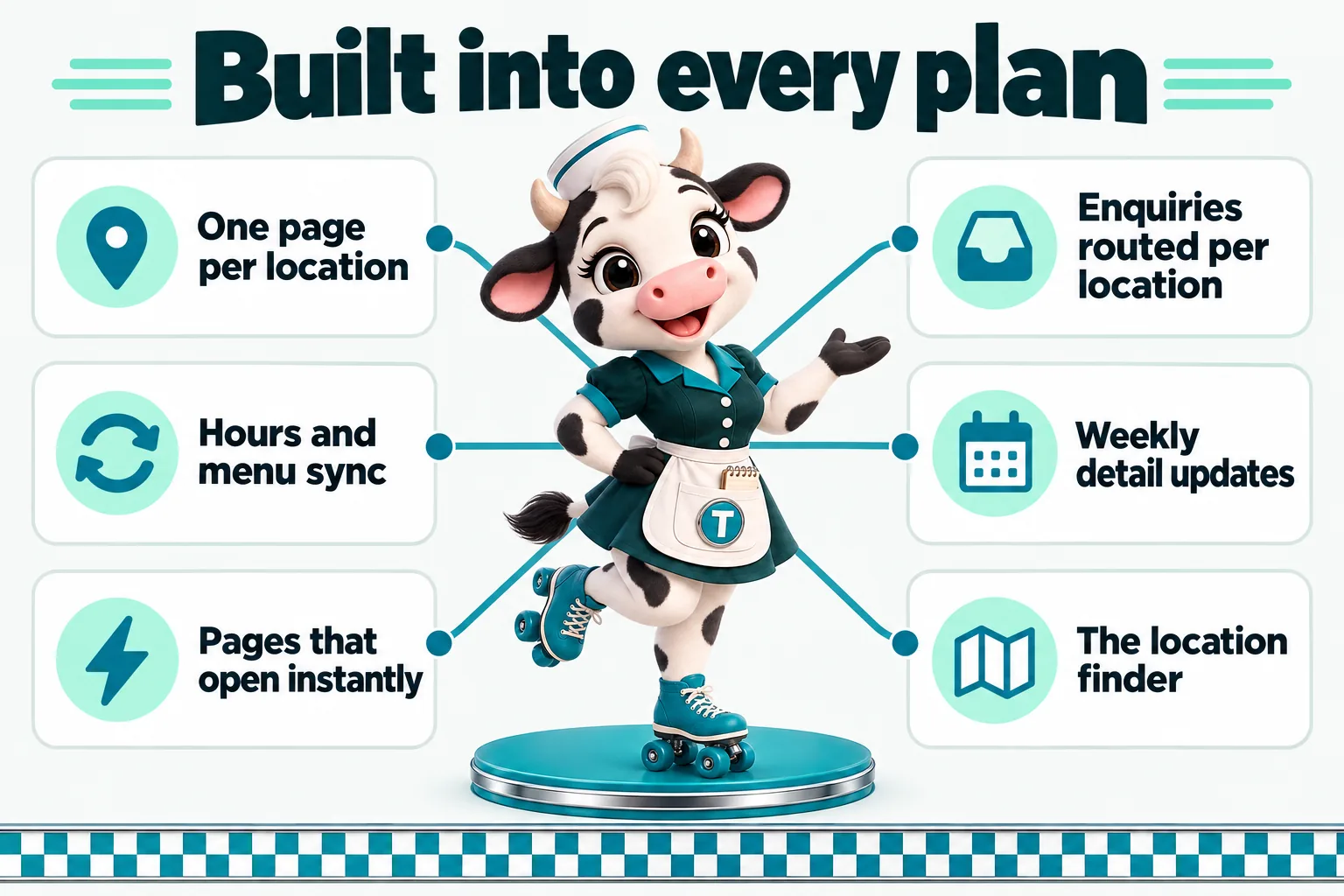
One page per location, not one page pretending to be several

Every address gets its own page with its own hours, menu highlights and map, so nothing gets averaged across locations.

Why one page per address matters

A single "locations" page with three addresses stacked under one paragraph tells a search engine there is one restaurant, and tells a customer nothing about the room they are actually driving to. Each location on your site gets its own page: its own hours, its own map pin, its own phone number, and the dishes or specials that room is known for. That page can rank for searches tied to its town, and it can be right when the other locations are not open the same hours.

What lives on a location page

Address and a map, hours written out for every day of the week, the phone number that room actually answers, parking or entrance notes if they matter, a short section on what makes that room different, and a link to the shared menu with any location-specific specials called out. Nothing here is guessed: it comes from the answers you give in onboarding and stays yours to update through your client portal.

Available on: The Single Counter, The Route, The Full Circuit

Hours and menu sync

Change a price or a holiday hour once and it updates everywhere it needs to, without a second location quietly falling behind.

The problem this replaces

The usual failure mode for a multi-location site is not a bad design, it is drift: one location changes its holiday hours, someone updates that one page, and the other two never hear about it. A customer shows up to a closed door on a day the website said was open. Your site is built so shared facts, like a menu item or a company-wide holiday closure, live in one place and every location page that shares it reflects the change the moment it is made.

What stays per-location and what stays shared

Hours, phone numbers, addresses and the "what makes this room different" copy stay per-location because they are genuinely different. Menu items, prices and photography stay shared by default so a price change does not need to be typed three times, with the option to mark any dish or price as location-specific when a room really does run something the others do not.

Available on: The Single Counter, The Route, The Full Circuit

Pages that open instantly

Custom-coded pages served from the edge, 90+ PageSpeed guaranteed, on the home page and on every location page.

Why speed is the first feature

Someone searching for a diner nearby is standing in a parking lot or sitting in a car with one bar of signal, deciding between your site and the next result down. A page that opens instantly keeps that visitor. Every page is custom coded, ships almost no JavaScript, and is served from Cloudflare's global edge, so the site is fast the day it goes live rather than after someone eventually audits it.

Available on: The Single Counter, The Route, The Full Circuit

Enquiries routed to the right location

A form filled out on the downtown page reaches downtown, not a shared inbox someone checks once a day.

Answering the actual question first

An enquiry submitted on a location page tags that location and lands in the CRM you already use, by direct API, Zapier or Make, or as a plainly labeled email if you are not using a CRM yet. Nobody has to guess which room a catering question or a private party request belongs to.

Set up once per location

During onboarding you tell us where each location wants its enquiries to land, whether that is one shared inbox for a two-room operation or a separate destination for each address in a larger group. Changing the destination later is a revision, not a rebuild.

Available on: The Single Counter, The Route, The Full Circuit

Weekly detail updates

We check for stale specials, seasonal hours and outdated photos across every location on a weekly cycle.

What "managed" actually means week to week

A managed site is not just hosted, it is watched. Every week we review the site for anything that has quietly gone stale: a seasonal special still showing after the season ended, a holiday hours notice that should have come down, a photo that no longer matches the dining room. Anything we find gets fixed as part of your plan, not billed as an extra revision.

Available on: The Single Counter, The Route, The Full Circuit

Researched articles

Two to three researched articles a week, written for your area and your kind of restaurant, published under your name.

Why articles matter for a multi-location brand

A single-location diner can rely on regulars finding it by name. A group with several rooms needs each town it operates in to have a reason to rank on its own, and regularly published, researched content tied to your area and your menu is how that happens over months rather than overnight. Articles run 2,500 to 3,200 words, are researched rather than generic, and are published under a real byline on your own site.

Volume by tier

The Single Counter and The Route publish two researched articles a week. The Full Circuit runs the Content Engine at three articles a week alongside social posts and reels, which is built for a group actively growing into new towns.

Available on: The Single Counter, The Route, The Full Circuit

Managed hosting across every location

Cloudflare hosting with SSL, CDN, DDoS protection and unmetered bandwidth included, nothing itemized, whether you run one room or five.

What is included

Your site runs on Cloudflare's global network. SSL, CDN, DDoS protection and unmetered bandwidth are included in the monthly fee, and adding a fourth or fifth location page never triggers a separate hosting bill. There is no plugin to update, no server to patch and no uptime you are responsible for watching yourself.

Available on: The Single Counter, The Route, The Full Circuit

The AI Engine

An AI receptionist and site chat that can answer hours, location and menu questions correctly for the right address.

What it answers, and where it stops

On The Route and The Full Circuit, an AI receptionist, site chat and SMS, Messenger and Instagram AI answer common questions: hours for a specific location, whether a room takes reservations, what is on the menu, and how to reach a person for anything larger like a private event. It is trained on the same location data your pages use, so it does not mix up which address it is answering for. A2P 10DLC carrier registration is filed for you as part of setup.

What it hands to a person

The AI Engine is configured to hand off anything that needs a human decision, a large party booking, a complaint, a vendor enquiry, straight to your team rather than guessing. You receive a call-analysis PDF summarizing what the AI handled so you can see what questions are actually coming in from each location.

Available on: The Route, The Full Circuit

The Content Engine

Three articles a week, three social image posts a week, two reels a week and a managed Google Business Profile for every location.

Built for a group actively adding locations

The Full Circuit runs a heavier content schedule because a growing group has more towns, more openings and more seasonal menus to talk about. Three researched articles a week, three social image posts a week and two short-form video reels a week keep every location visible without your team writing any of it.

Google Business Profile, per location

Each location's Google Business Profile is managed as part of this tier: hours kept current, posts published, and questions answered, which is one of the strongest signals for showing up in local map results when someone searches near a specific address rather than your brand name.

Available on: The Full Circuit

The location finder

A tool on your home page that asks where someone is and sends them straight to the right location page, correct hours included.

Why a directory list is not enough

A plain list of addresses makes a visitor read every one to find theirs. The location finder is a short, accessible tool on your home page that lets someone pick a town or use their position, then sends them directly to that location's page with its own hours already showing. It works without JavaScript too: with scripts off, the full list of locations is simply shown instead, so nobody hits a dead end.

What it shows

Distance or town match, whether that location is open right now based on its own hours, and a direct link to call, get directions or view the menu for that specific address. Every hour and address shown is exactly what you gave us in onboarding and keep current from your client portal.

Available on: The Single Counter, The Route, The Full Circuit

Feature availability by plan

FeatureThe Single CounterThe RouteThe Full Circuit
One page per location, not one page pretending to be severalYesYesYes
Hours and menu syncYesYesYes
Pages that open instantlyYesYesYes
Enquiries routed to the right locationYesYesYes
Weekly detail updatesYesYesYes
Researched articlesYesYesYes
Managed hosting across every locationYesYesYes
The AI EngineNoYesYes
The Content EngineNoNoYes
The location finderYesYesYes

Questions about specific features

Frequently asked questions

How do researched articles help a multi-location brand specifically?

A single flagship location can rely on its name. Every other town you operate in needs its own reason to show up in search, and regularly published, researched articles tied to that area and your menu are what builds that over 3 to 5 months. 2 researched articles a week ship on The Single Counter and The Route, and 3 a week on The Full Circuit, each 2,500 to 3,200 words.

Can an article be written for a specific location's town?

Yes. Tell us which town or neighborhood an article should focus on during onboarding or through a revision request, and it is researched and written for that location rather than the brand generically.

What does the AI Engine actually do for a restaurant with several locations?

On The Route and The Full Circuit, an AI receptionist and site chat answer common questions correctly for the location being asked about: today's hours, whether that room takes reservations, and what is on the shared or location-specific menu. Anything that needs a person, a large party booking, a complaint, a vendor call, is handed off rather than guessed at.

How does the AI know which location it is answering for?

It is trained on the same per-location data your pages use: the address, hours and menu details you gave us in onboarding. A question asked through the downtown location's chat widget is answered using downtown's hours, not the flagship's.

See these features on a real location page

A live walk-through of a build for your kind of restaurant.